
- Home>
- Printers>
- Printers by category>
- Laser printers>
- bizhub C3100i basic convenience pack
bizhub C3100i basic convenience pack
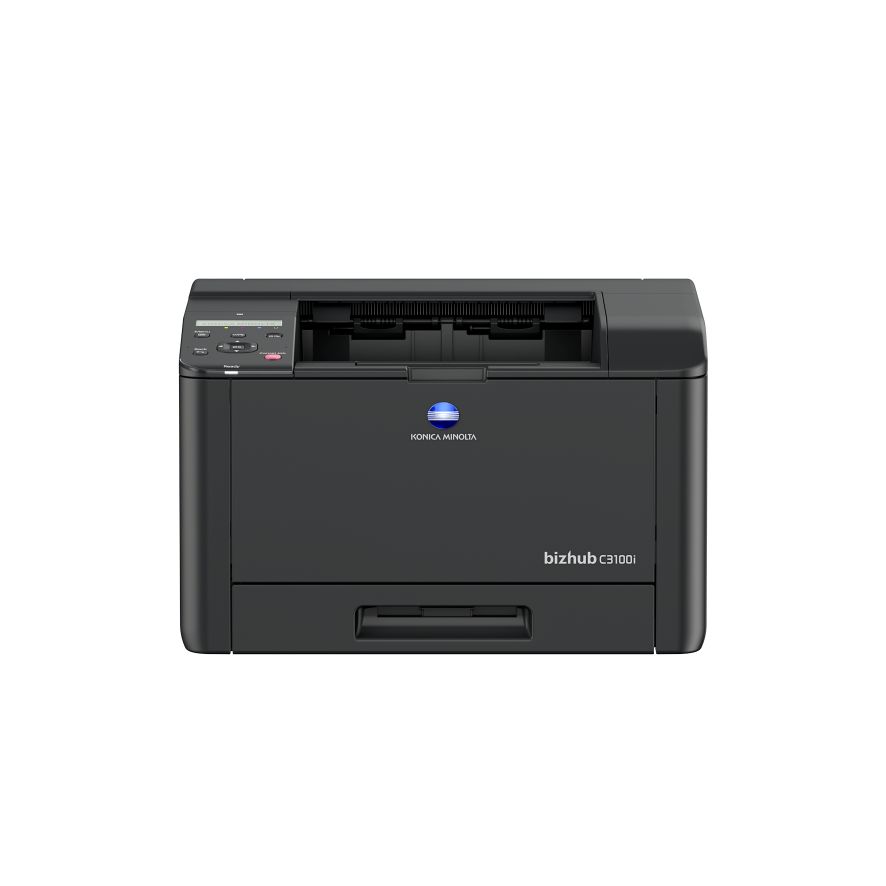
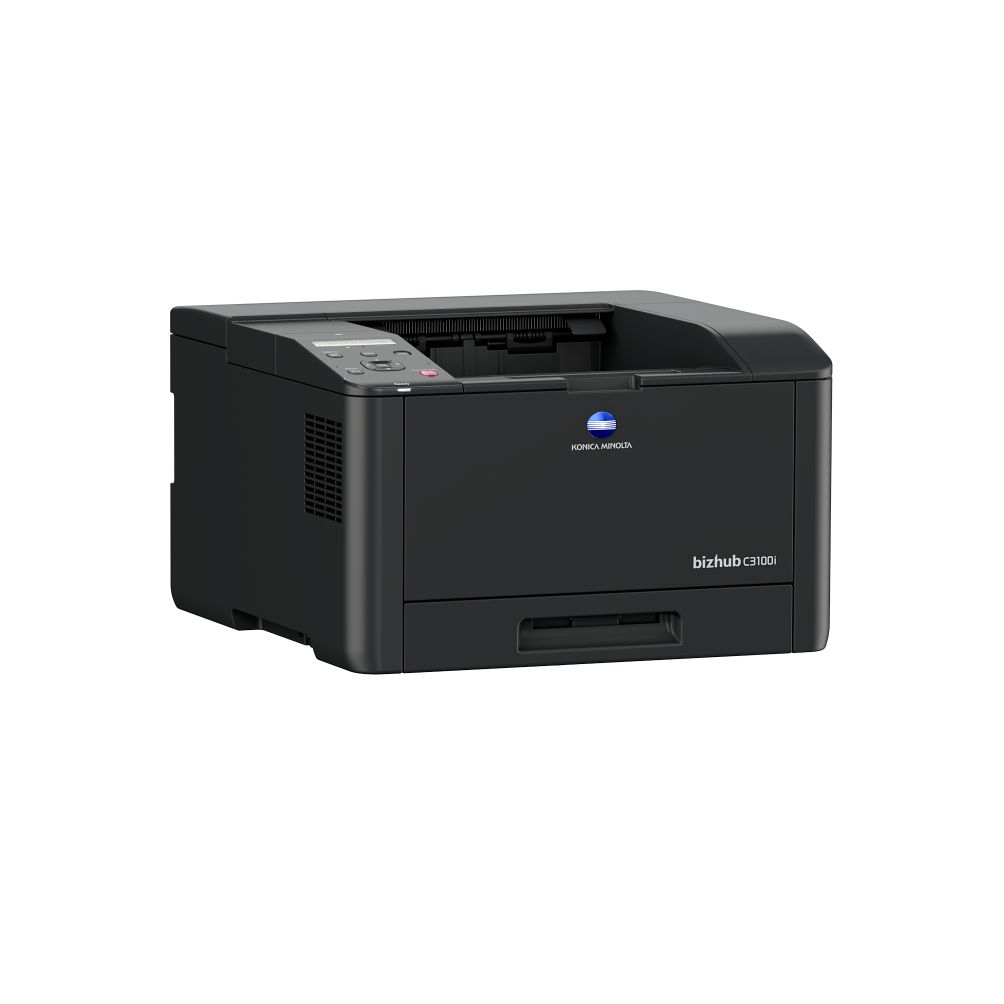
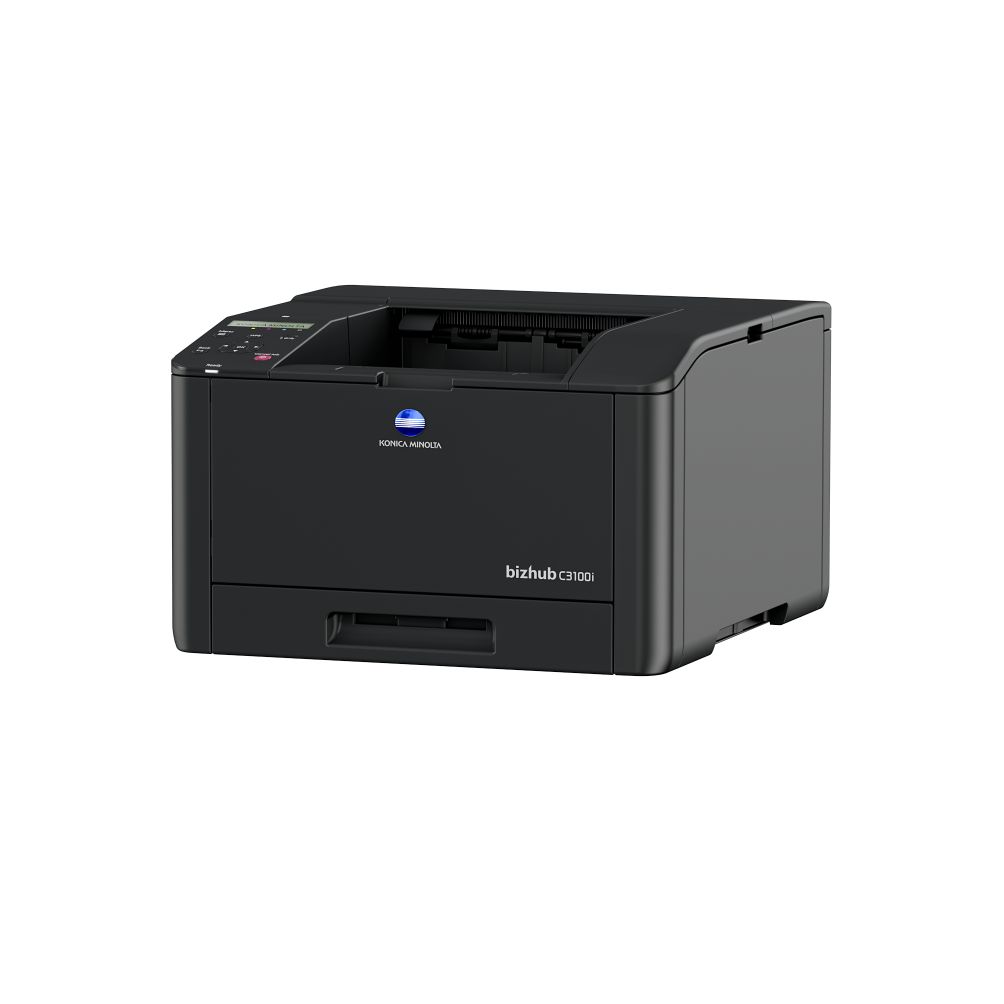
Compact A4 printer for homeoffice and small office; Color and Black & white 31 pages per minute; including mobile printing; embedded WiFi; Convenience Pack including extra toner set and extended warrantyRead more
A4ColorAutomatic 2-sides printingWiFi
Product is not sold
Do you need advice?
.webp)
Alexander Martens
Why should I buy my printer from Konica Minolta?
 1. High-quality home office printer
Get access to a high-quality printer that allows you to print freely from your own home.
2. ExclusivityBuy a home office printer exclusively available online that is easy to install maintain and use.
3. Straight from the Manufacturer Buy directly from Konica Minolta.
Added value with the Convenience Pack
 1. Extra warranty
Take advantage of our extra warranty. This includes 2 years replacement of your printer with a new or refurbished device.
2. Additional toner setBenefit from an additional toner set and ensure that you can keep printing without interruptions.
bizhub C3100i basic with convenience pack
Compact
Designed to fit the home or office environment. The bizhub C3100i is compact enough to be placed easily on a desk or suitable furniture.Wireless connection
Just the power outlet is sufficient: no cables, easy connection and 100% mobile work ready!Mobile printing
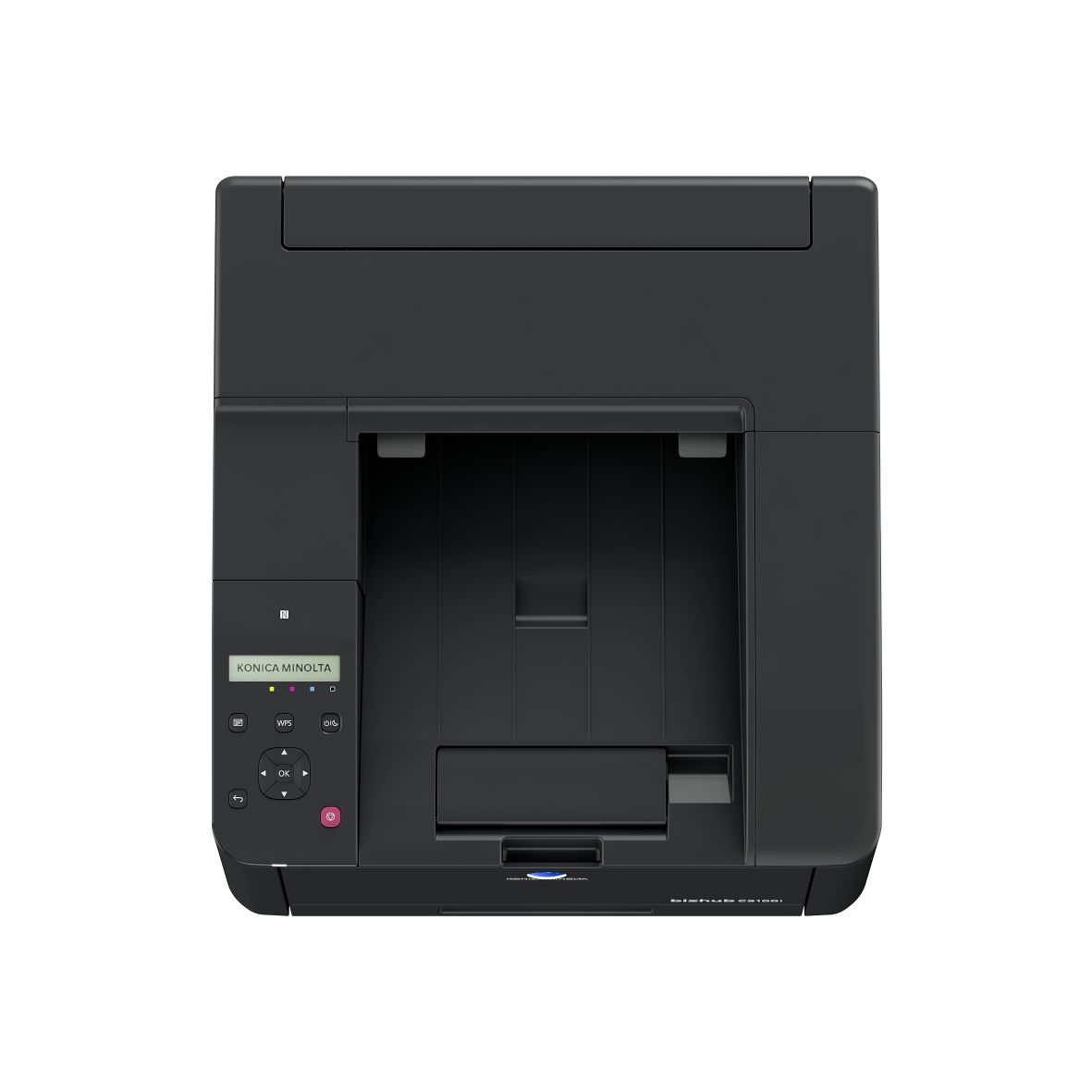
Convenient mobile print app for printing and scanning. NFC tap to print and scan available on Android and iOS mobile devices. Deskew functionality is embedded in the mobile app and serves as your "mobile scanner" to digitize non-standard originals and documents you made on the go.Extended warranty
Our extended warranty includes 2 years replacement with another printer - new or refurbished. If you take advantage of our extended warranty service, simply return your defective printer and we will replace it.
Technical parameters
Paper size
A4
Output color
Color
Copy
No
Print
Yes
Scan
No
Fax
No
Hole punch
No
Stapling
No
Automatic 2-sides printing
Yes
Automatic 2-sides scanning
No
Touch screen
No
WiFi
Yes
USB
Yes
LAN
Yes
Bluetooth
No
Print speed A4 (ppm)
31
Paper input capacity (pages)
300
AirPrint (iOS)
Yes
Mopria (Android)
Yes
Konica Minolta Print Service (Android)
No
Konica Minolta Mobile Print (iOS/Android)
No
WiFi Direct
Yes
Weight (kg)
17
Dimensions (W x D x H) in mm
410 x 430 x 255
Extra Warranty
Yes
Additional toner set
Yes
New
Yes
What is in the box?
- Main unit
- Starter Toner Set including
- Starter Black Toner 2500 A4 pages*
- Starter Cyan Toner 1500 A4 pages*
- Starter Magenta Toner 1500 A4 pages*
- Starter Yellow Toner 1500 A4 pages*
- Extra toner set including
- Black Toner 6000 A4 pages*
- Cyan Toner 4000 A4 pages*
- Magenta Toner 4000 A4 pages*
- Yellow Toner 4000 A4 pages*
- Power Cord 1,5m
- General Safety Information, english
*The stated life expectancy of each consumable is based on specific operating conditions such as page coverage for a particular page size (5% coverage of A4). The actual life of each consumable will vary depending on use and other printing variables including page coverage, page size, media type, continuous or intermittent printing, ambient temperature and humidity.


What do our customers say about our printer?
Good, pleasant machines, easy to operate and always work.
Tim, The Netherlands
Great machines with good features
Laura, The Netherlands
Very reliable machines
Dennis, The Netherlands
Let’s talk about your printing. Feel free to contact us!
Alexander Martens
or visit frequently asked questions
Not sure which print volume to select for your RelaxRate?
These might be valuable considerations for you.If you have an existing contract:
- Have a look at your current offer/ contract to see which volume is included there (per month)
- Have a look at your latest invoice: on it might be written how much you print per month or for what volume you’re charged. Take into account any invoices for overage charges to calculate your monthly volume needs
- If there are no volumes in these documents, look at the amount you pay each month and add any amounts for overages and compare this with our packages. Take into account whether service is included or no
- Check your current printer if it shows you the number of printed pages
If you do not have an existing contract:
- Check your current printer if it shows you the number of printed pages
- We recommend to calculate how much pages you print per week and estimate from that prints per month: think of how often you have to refill paper in your printer (average paper pack has 500 sheets)
Still unsure? Please contact us. We are happy to support you.
For Products with RelaxRate (Rent+Service)
Konica Minolta Courier
This service is a necessary condition when renting a Konica Minolta printing device with RelaxRate.
By providing this service, we will ensure professional delivery of the purchased equipment directly to the installation site. The service includes moving the machine to its destination and unpacking it and expert compilation.
Included services
After purchasing the device, the Konica Minolta Customer Center will agree with you on a suitable delivery date. The contractual carrier will deliver the device to you on the agreed date.
The service includes:
- transportation to the place of installation
- moving device within the building - if the building has a freight elevator
- professional unpacking and assembly of device
For an additional fee, we will also provide:
- removal and ecological disposal of packaging material
- bringing the machine to the floors via the stairs - if there is no goods lift available
Service limitations
The service is available only for selected types of device, defined in the price list of Konica Minolta services. The price of the service depends on the specific conditions and premises of the customer (floor, elevator, cargo ramp, floor surfaces, etc.) The service does not include the device installation itself.For Products direct purchased
Konica Minolta Courier
This service is a necessary condition when purchasing a Konica Minolta printing device.By purchasing this service, we will ensure professional delivery of the purchased equipment to the kerbside.
Included services
After purchasing the device, our professional Logistic Provider will deliver the device/ product to you.The service includes:
- Transportation to the kerbside
- Delivery will happen 3-4 days after order placement
Service limitations
The service is available only for selected types of device, defined in the price list of Konica Minolta services. The service does not include the device installation itself.Konica Minolta Installation
For your seamless start, Konica Minolta grants a professional installation service.We will provide you with unpacking, mechanical assembly, initialization and setting of the device. We will connect your device to one PC/server, introduce to the user with the use of basic device functions (printing, scanning, copying, faxing, replacement of consumables).
Included services
After purchasing the device, we will agree a suitable date for delivering and installing the device with you.A basic installation for multi-functional devices takes 45 minutes and 30 minutes for printers.
The installation includes:
- Travel expenses of the Konica Minolta service technician to the place of installation
- Unpacking and mechanical assembly of the device
- Initialization, setting and verification of device functionalities
- Entering network settings (IP address, gateway)
- Driver installation on one PC/server (OS Windows) with the assistance of the person responsible for the device installation
- Connecting your device to the “Customer Support Remote Care” for automatic monitoring & toner delivery
- Installation of user IDs for fax messages (optional)
- Scanner settings (SMTP server)
- Doing a test copy, print, scan and fax message
- Introduction training - use of basic device functions
- Disposal of packing material
We will give you detailed information, what is required from your side to make you satisfied before the installation date.